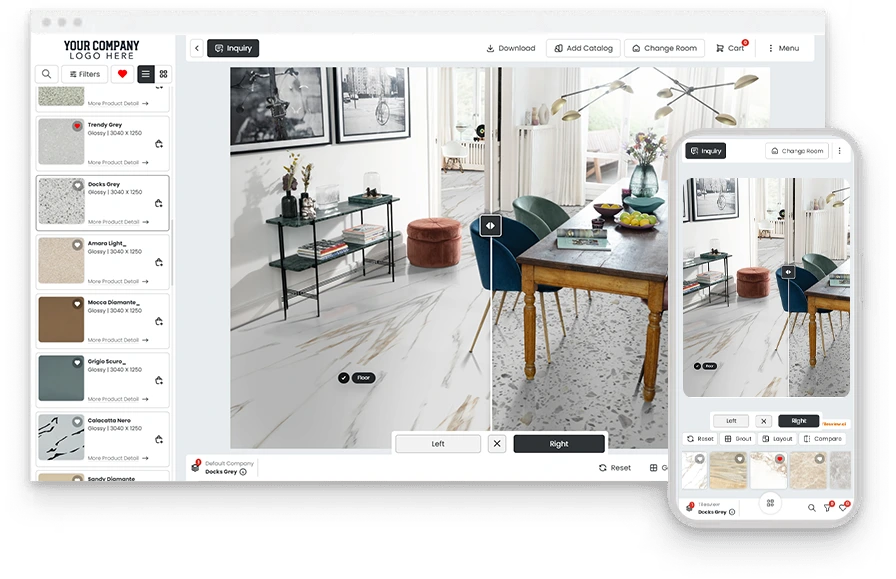
Oct 31, 2026
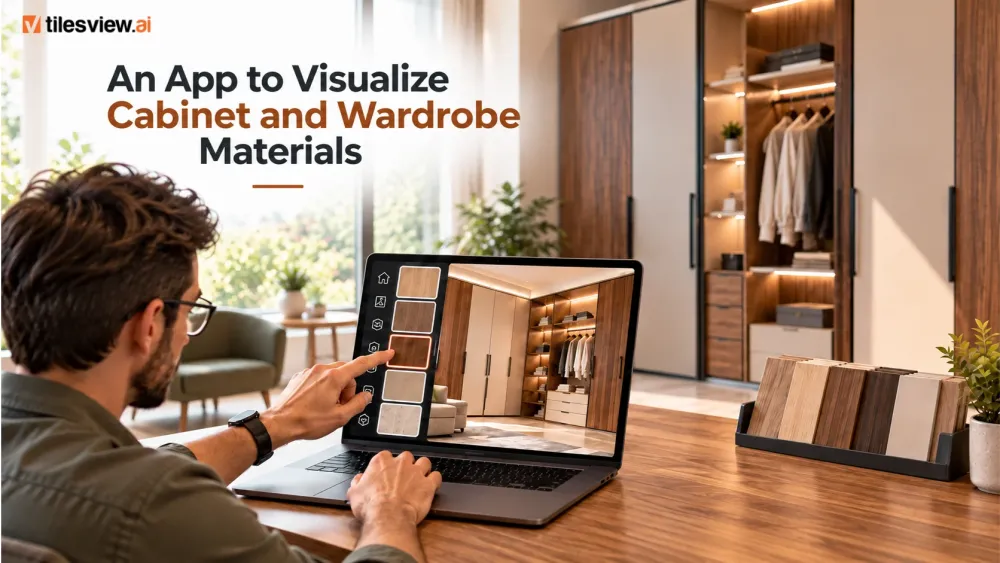
Oct 31, 2026

Oct 29, 2026

Oct 28, 2026

Oct 26, 2026
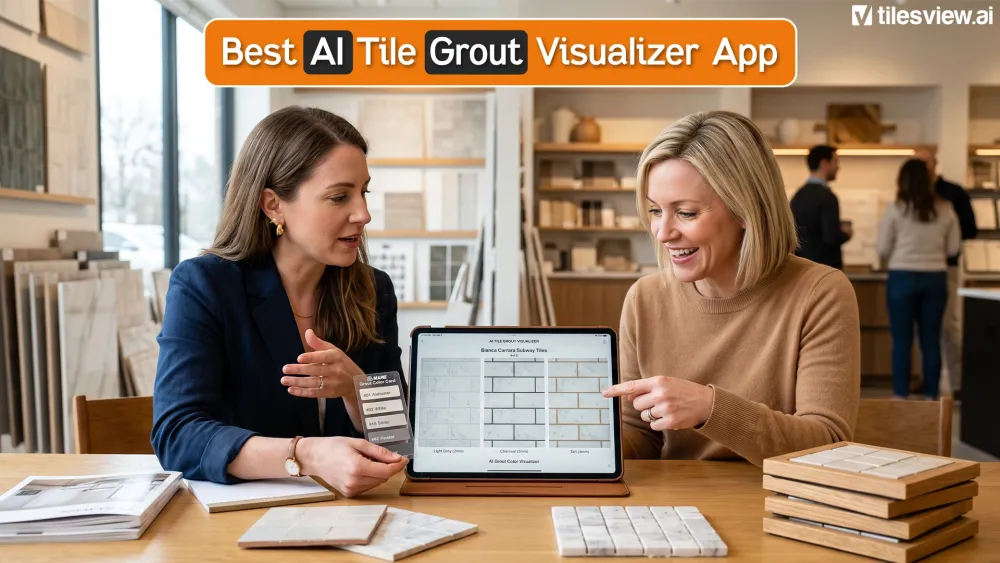
Choosing a tile is only half the design decision.
The grout color, width, and style surrounding that tile can dramatically change how the finished surface looks. A light grout can create a softer, more continuous appearance, while a contrasting shade can emphasize every tile, pattern, and joint.
The difficulty is that grout is hard to judge from a small color card. Lighting, tile texture, room size, and installation pattern all influence the final result.
An AI tile grout visualizer app solves this problem by letting you preview different grout options digitally before installation. Instead of relying on imagination, you can see how a grout shade looks with your selected tiles and inside an actual room.
For homeowners, designers, tile retailers, manufacturers, and distributors, this creates a faster and more confident way to finalize tile combinations.
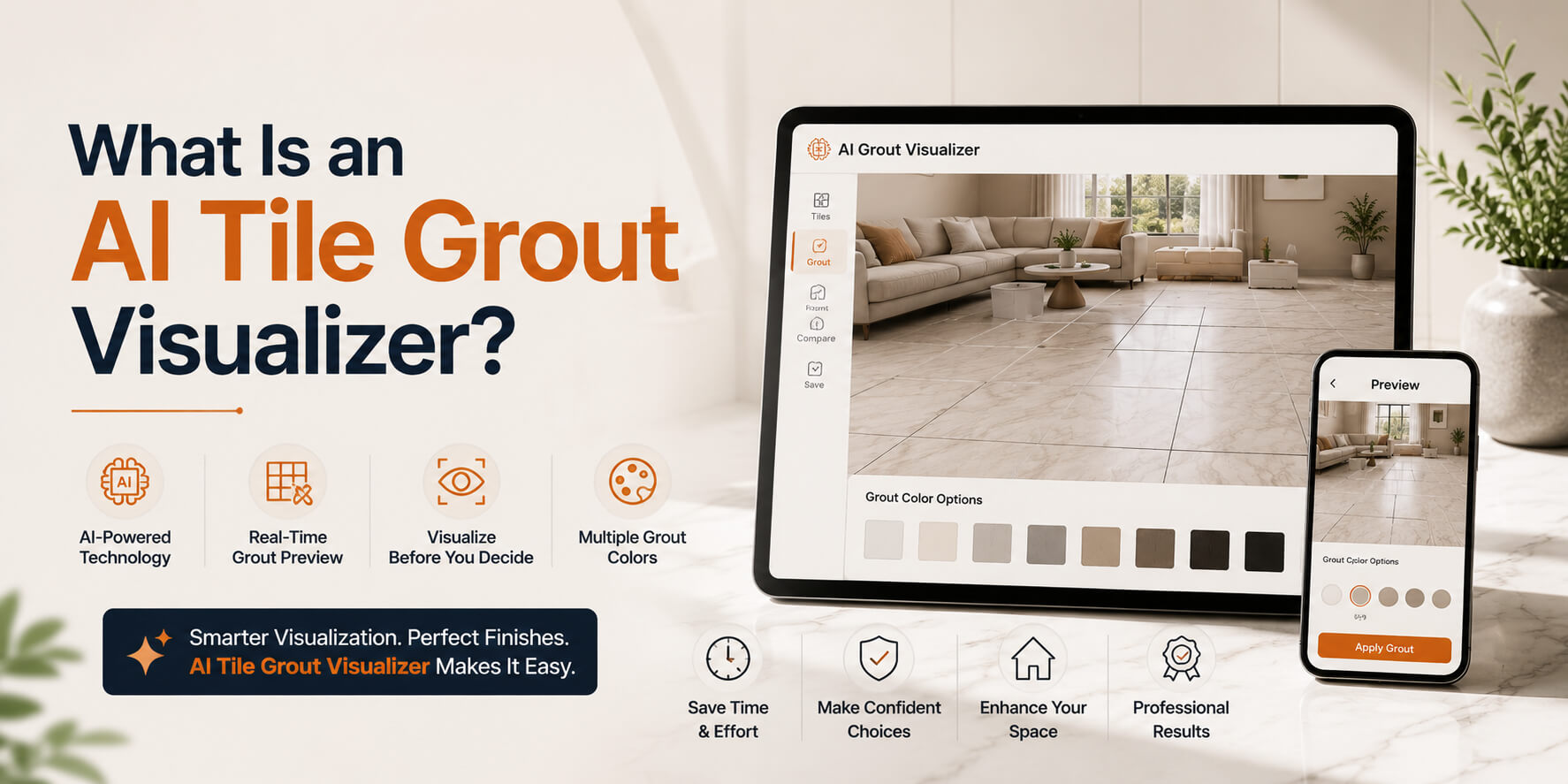
An AI tile grout visualizer is an interactive design tool that shows how different grout colors and joint styles will appear alongside a tile.
Depending on the platform, users may be able to:
Tilesview’s grout visualizer is designed to display grout colors and styles directly within the user’s room. It supports surfaces using ceramic, porcelain, marble, mosaic, and stone tiles, helping users assess how grout interacts with the tile, layout, and surrounding lighting.
This makes the tool useful both for individual design decisions and for businesses looking to offer a more interactive tile-buying experience.
Grout may occupy less visual space than the tile itself, but it influences how the entire installation is perceived.
Matching grout creates a unified surface
A grout shade that closely matches the tile usually reduces the visibility of individual joints. This can make a wall or floor appear smoother, calmer, and more spacious.
Matching grout is often considered for:
Contrasting grout highlights the pattern
A darker or lighter contrasting grout emphasizes the outline of every tile. It can make subway layouts, mosaics, geometric patterns, and decorative shapes more noticeable.
This approach is often used for:
Neutral grout creates balance
Grey, beige, off-white, and other neutral shades can provide separation without producing a dramatic grid effect. These colors are often used when buyers want the tile pattern to remain visible but not overpower the room.
The right answer depends on the tile, surface, layout, lighting, and desired design style. That is exactly why visualizing the complete combination is more useful than selecting grout from a standalone sample.
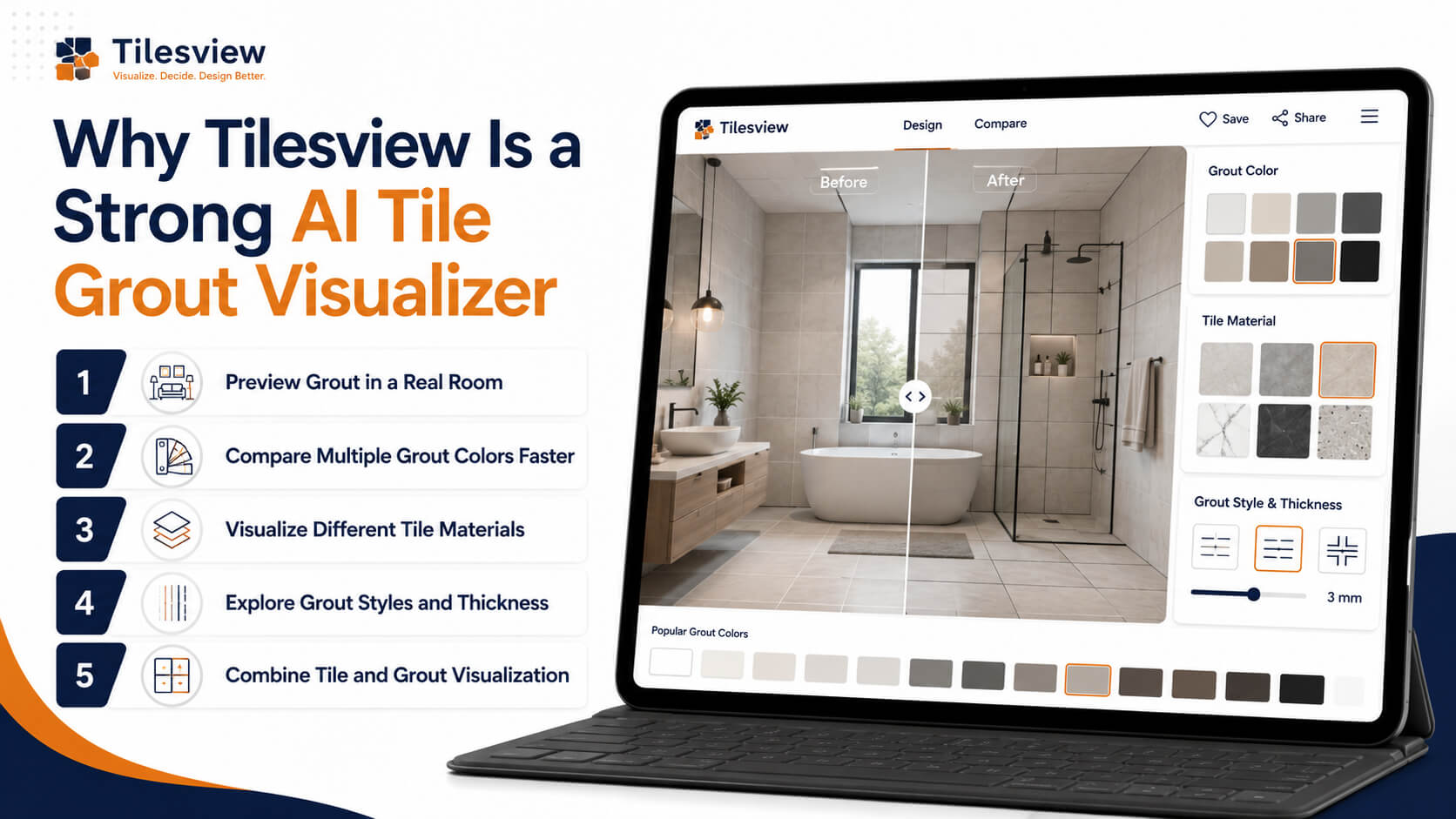
The best tile and grout visualizer should do more than replace one color with another. It should help the user understand the complete surface in context.
Tilesview combines grout visualization with broader AI-powered room visualization, allowing users to preview tiles and other surface materials on walls and floors. Its platform is built around multi-surface visualization for tiles, flooring, paint, wallpaper, carpet, rugs, and related materials.
Here are the capabilities that make it relevant for tile selection and sales.
A grout shade may look completely different under warm bathroom lighting than it does on a product card.
Tilesview allows users to upload a room photo and preview grout options with their selected tiles. This helps reveal how the combination may appear alongside existing cabinets, fixtures, furniture, lighting, and wall colors.
Seeing the design in context can answer important questions:
This turns grout selection into a visual decision rather than a guess.
Traditional grout selection may involve color charts, loose samples, physical tile boards, or repeated consultations.
A virtual grout visualizer allows users to switch between shades quickly. They can compare coordinating and contrasting options without producing several physical mockups.
This is particularly valuable for tile showrooms and online retailers. A shopper who is uncertain about grout can explore alternatives while remaining engaged with the product instead of leaving the website to search for inspiration elsewhere.
Grout behaves differently with different tile surfaces.
A narrow matching joint may suit polished marble-effect porcelain, while a contrasting joint may be more effective with handcrafted-look subway tiles. Mosaics, stone tiles, textured ceramics, and rectified porcelain can each require a different visual approach.
Tilesview’s grout tool is presented for use with ceramic, porcelain, marble, mosaic, and stone tile applications.
This makes it useful across common residential and commercial tile categories.
The width of a grout joint can affect the result almost as much as its color.
Thin joints often create a clean, contemporary look. Wider joints can emphasize irregular edges, handcrafted finishes, rustic styles, or individual tile shapes.
Tilesview’s grout visualizer includes the ability to preview grout shades, styles, and thicknesses, helping users assess the visual rhythm of the whole installation rather than viewing grout color in isolation.
A dedicated color selector is helpful, but a complete tile-and-grout experience is more powerful.
Tilesview’s wider tile visualization platform allows users to Preview tiles on walls and floors and explore spaces in both 2D and 3D contexts.
This means a user can evaluate:
The result is a more realistic buying journey than selecting each element separately.
The exact workflow can vary according to the website or product catalog where the visualizer is installed, but the typical process is straightforward.
Start with a clear image of the bathroom, kitchen, living space, commercial interior, or other project area.
A front-facing image with good lighting will usually make it easier to assess the tile and grout combination.
Select the wall, floor, backsplash, shower area, or other surface where the tile will be installed.
Choose a ceramic, porcelain, mosaic, marble, or stone design from the available product catalog.
Try a matching grout first, followed by a neutral and a contrasting option.
This gives you three useful visual directions to compare.
Where available, test different grout-line thicknesses or styles. Observe how each option changes the visibility of the tile layout.
Review each combination in relation to the room’s lighting, size, fixtures, furniture, and surrounding finishes.
A saved visualization can help homeowners discuss the choice with installers. Designers can use it during client presentations, while retailers can use it to support consultations and product recommendations.

Homeowners can test grout options before making a decision that is difficult and costly to reverse.
Design professionals can use visual comparisons to communicate recommendations more clearly.
This can simplify approvals and reduce last-minute changes.
A grout visualizer gives sales teams an interactive consultation tool.
Customers can explore tile-and-grout combinations in the showroom or on the retailer’s website. This helps the conversation move beyond individual samples and toward a completed design.
Room-visualization platforms are commonly positioned as tools for increasing shopper engagement, confidence, and purchase readiness.
Manufacturers can present tile collections with recommended grout pairings and realistic room scenes.
A visualizer can help buyers understand how different collections work in bathrooms, kitchens, commercial interiors, feature walls, and complete floor installations.
International distributors often need to present large catalogs to buyers across multiple markets.
A digital visualizer helps them demonstrate products without creating a physical display for every tile, format, surface, and grout combination.
The best grout color is not necessarily the most popular shade or the closest match on a printed chart.
It is the color that works with the tile, pattern, lighting, room, and overall design intention.
An AI tile grout visualizer makes that decision easier by turning an abstract choice into a realistic visual comparison. Buyers can experiment freely, designers can communicate ideas more effectively, and tile businesses can create a more engaging path from product discovery to purchase.
With Tilesview, users can preview different grout colors, styles, and thicknesses with tile surfaces directly in their room, helping replace uncertainty with visual confidence.
Request a Tilesview demo and help your customers see the finished space before they buy.

Anand Bhoraniya is a technology entrepreneur and visualization innovator at Tilesview, specializing in AI-powered room visualization software for tile, flooring, paint, and wall covering brands. He regularly shares insights on AI visualization trends, virtual showroom experiences, personalized design technology, warm minimalist interiors, and photorealistic room design solutions.
Get the latest insights on room visualizer, interior design trends, and product updates delivered to your inbox.
No spam. Unsubscribe anytime.